Project Validation
Check structure definition and code rules.
Validation process
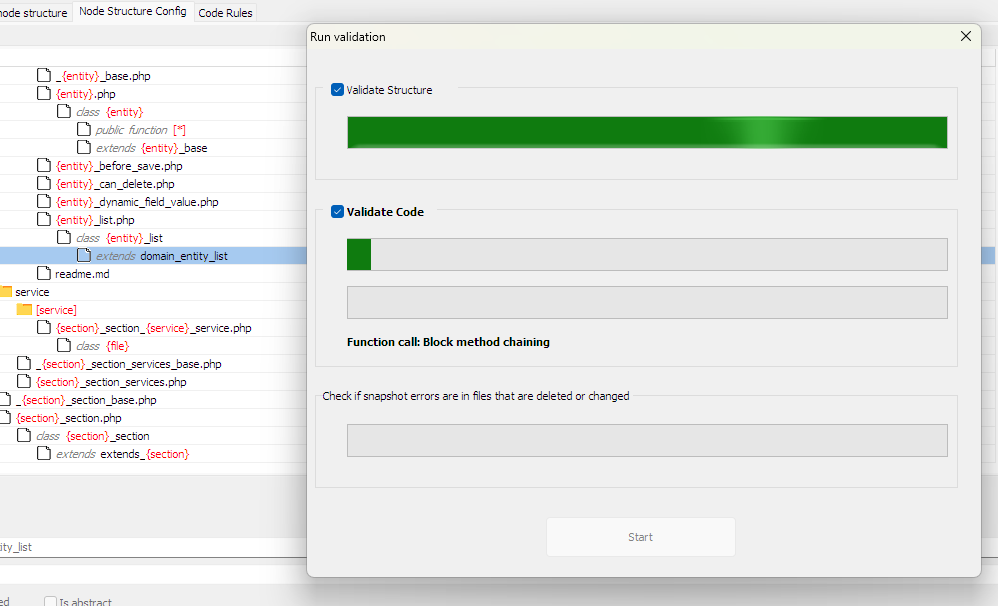
By clicking the "Validate Snapshot" button, a progress screen opens. Click "Start" to begin the validation.
After the process completes, the screen closes and a new tab opens showing the found errors.
Important: resolved errors only show as fixed after a new import. Changed or deleted files are detected automatically.
Validation Result Screen
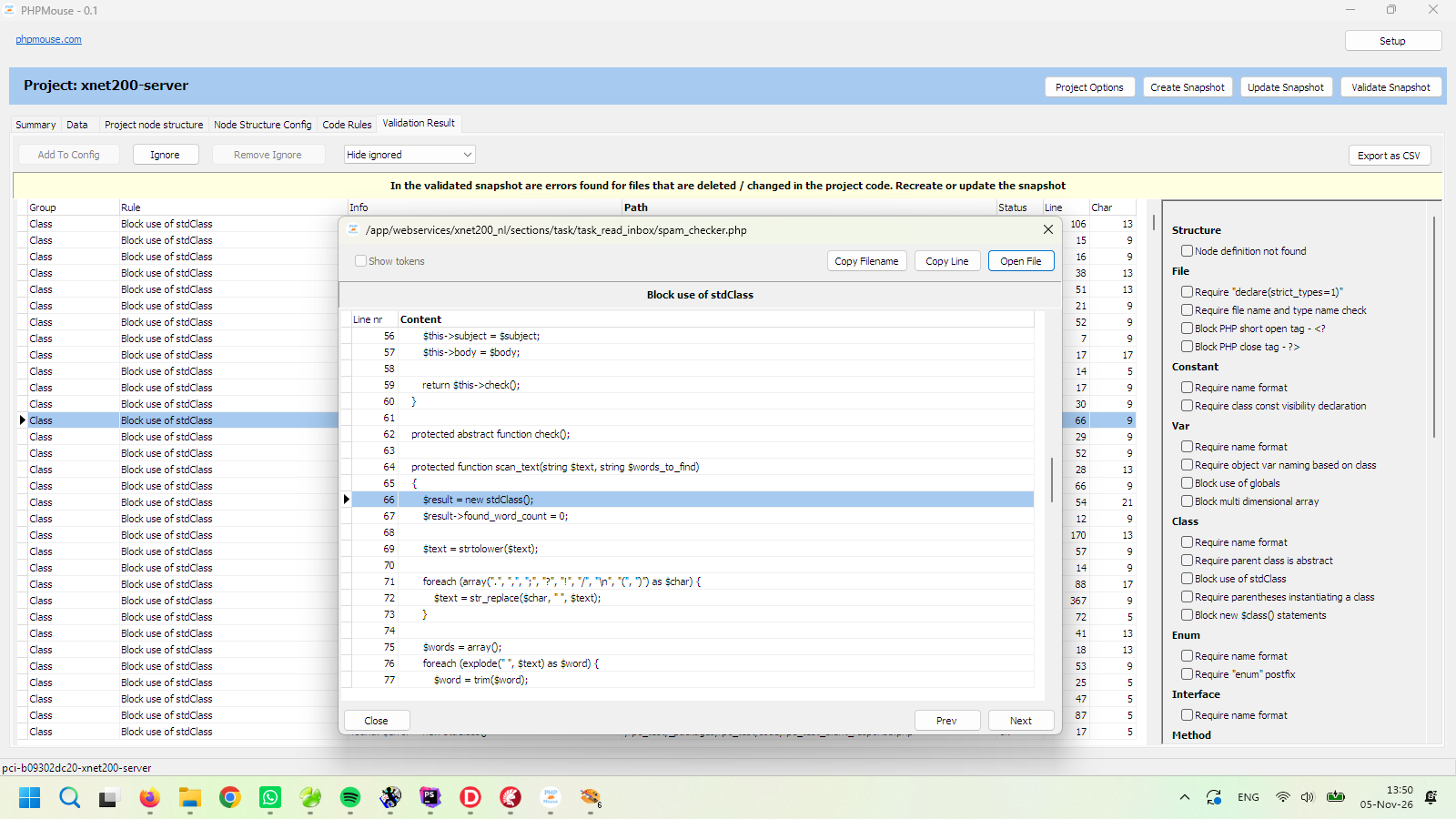
All errors are displayed but can be filtered by selecting an error category on the right (only categories that contain errors are shown). A double-click on the grid shows the code and the line where the error is located.
Validation exceptions
Errors can be added as an exception to an ignore list. After all, exceptions are necessary. For example, if the print statement is blocked everywhere to prevent accidentally sending debug data, the output will still need to be printed somewhere.
Export as CSV
The displayed errors can be exported as a CSV file.